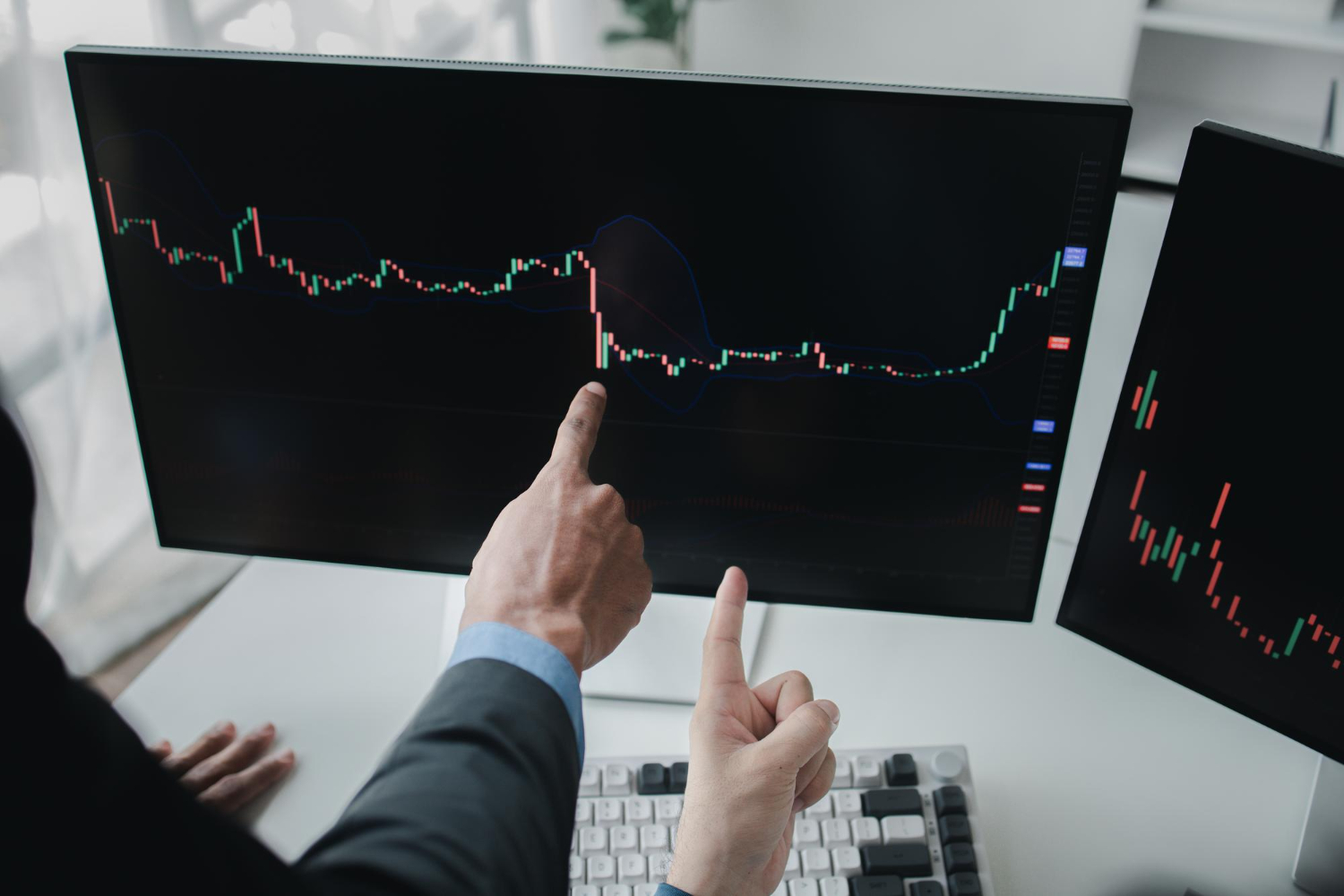

Trading on the MT5 Web Terminal can drain mobile data faster than expected, especially when managing multiple charts and background updates simultaneously. For Ghanaian traders using MTN and Telecel bundles, this often leads to unexpected overages and disrupted sessions. This guide examines platform-specific data consumption, network optimisation techniques for both providers, and configuration adjustments that reduce usage without compromising trading accuracy.
Introduction to Data-Saving Trading
MT5 Web Terminal users in Ghana typically consume 45-65MB per active trading hour on standard settings, with MTN and Telecel bundle costs ranging from GHS 5 daily to GHS 50 weekly. Mobile data bundles represent a significant ongoing expense for forex traders who rely on consistent connectivity throughout market sessions. Traders must consider these costs when planning their daily activities on the platform.
The MT5 Web Terminal differs from the desktop version in how it handles data streams and background processes. Web browsers maintain continuous connections to refresh price feeds and update open positions, which increases overall usage compared to optimized desktop configurations. Ghanaian traders face additional challenges when network conditions vary between 4G LTE and 3G fallback during peak trading periods.
EURUSD and GBPUSD pairs generate steady tick data throughout London and New York sessions, contributing to higher consumption rates. Connection type directly influences how much data these major pairs require, with slower networks sometimes triggering additional reconnection attempts that waste resources. Traders benefit from understanding these patterns before selecting their preferred symbols and timeframes.
Network congestion during Ghana trading hours often leads to repeated data requests as the terminal attempts to maintain stable connections. MTN Ghana and Telecel Ghana both offer various bundle options that expire at different intervals, making it essential to match consumption patterns with appropriate package selections. Data optimization becomes particularly relevant for those managing multiple positions simultaneously.
MT5 Web Terminal Data Usage Overview
MT5 Web Terminal’s data consumption varies based on chart timeframes, number of symbols monitored, and active indicators running simultaneously.
Traders in Ghana often use MTN Ghana and Telecel Ghana mobile data bundles for forex trading through the MT5 Web Terminal. Understanding which components transfer the most data helps users apply better data-saving strategies during CFD trading sessions.
Market depth windows and real-time tick charts require frequent updates that increase overall bandwidth use. Multiple open symbols in the watchlist also add to the total data transferred each minute.
Adjusting MT5 settings such as chart timeframe selection and limiting active indicators can reduce mobile data bundle consumption. Users benefit from knowing when peak trading hours overlap with network congestion periods on local networks.
Platform Features That Consume Data
Market depth windows refresh every 200-500ms consuming 2.8KB per update, while one-minute timeframe charts with 3 active indicators pull approximately 180KB per candle formation.
Several MT5 Web Terminal features transfer data at different rates. Market depth displays require constant refresh cycles that add up quickly during active market hours.
Tick charts consume significant bandwidth when left running on lower timeframes. Economic calendar auto-refresh sends periodic requests that accumulate over longer trading sessions.
Historical data downloads vary in size depending on the selected timeframe and symbol count. Browser tab count directly affects total overhead when multiple trading symbols remain open in separate windows.
Background Processes Impact
Push notification services for trade alerts consume 8-12KB per message, while browser extensions like price alert widgets add 35-50KB overhead on initial load.
Hidden processes continue consuming mobile data bundles even when traders focus on active positions. Browser cache buildup occurs gradually during extended MT5 Web Terminal sessions on MTN Ghana and Telecel Ghana networks.
Email alert systems send notifications that add small but consistent data transfers throughout the day. Trade copier software running in background tabs creates additional overhead that many users overlook.
Ad blocker extension updates refresh at regular intervals and contribute to overall consumption. Clearing cache periodically and managing extensions helps reduce unnecessary background data transfers during forex trading activities.
Device and Network Settings
MTN Ghana 4G LTE connections average 35ms ping to MT5 servers while Telecel 3G fallback increases to 120ms, directly impacting data retransmission rates. Network configuration choices determine how much mobile data bundles get consumed during extended MT5 Web Terminal sessions. Ghana mobile networks respond differently to trading traffic patterns throughout the day.
MT5 Web Terminal sessions work best when devices maintain stable connections to preferred networks. Server latency affects how frequently your browser requests updated price information from trading servers. Higher latency forces more data retransmissions that drain mobile data bundles faster than necessary.
Trading hours in Ghana coincide with peak network usage periods on both MTN and Telecel networks. Dual-SIM phones allow traders to switch between networks when congestion increases during busy market hours. This flexibility helps maintain lower ping rates without excessive data consumption from repeated connection attempts.
Browser settings also influence data usage during MT5 Web Terminal access. Cache clearing prevents old data from interfering with fresh price feeds that require less bandwidth. Regular maintenance keeps your connection efficient throughout active trading sessions on Ghana networks.
Optimizing MTN and Telecel Settings
Switch to airplane mode for 3 seconds then re-enable to force 4G LTE reconnection, reducing packet loss from 8% to under 2% on congested MTN towers. MTN Ghana users can check bundle balances through the *170# USSD code before starting MT5 Web Terminal sessions. This verification helps track remaining data throughout trading activities.
Changing DNS settings to 8.8.8.8 and 8.8.4.4 speeds up domain resolution during MT5 Web Terminal access. Faster resolution reduces the number of connection retries that consume extra mobile data bundles on both MTN and Telecel networks. This simple change improves overall connection stability for forex trading activities.
Enable dual-SIM functionality with Telecel Ghana as a backup connection when MTN experiences high latency above 200ms. Network switching ensures continuous MT5 Web Terminal access without data waste from failed connection attempts. Ghana traders benefit from maintaining both networks active during volatile trading periods.
VPN services with Ghana server locations provide the lowest ping rates for MT5 connections on local networks. Optimized routing through nearby servers reduces the distance data travels between your device and MetaTrader 5 platforms. This configuration minimizes mobile data bundle consumption during active trading hours.
Trading Session Strategies
Ghana forex market overlap with London session from 2:30pm to 6:30pm local generates 3x normal data traffic due to increased EURUSD and GBPUSD volatility.
Traders who align their active monitoring with these hours often experience higher refresh rates on charts and more frequent price updates through the MT5 Web Terminal. Network congestion during this window leads to repeated data packets and faster bundle depletion.
Shifting some monitoring tasks to quieter periods helps cut overall consumption. Many users schedule their primary analysis earlier or later to avoid peak overlap with European markets.
Choosing lower-volatility pairs during high-traffic hours also reduces the frequency of chart updates. This approach supports steadier connections on both MTN Ghana and Telecel Ghana networks.
Timing Trades for Lower Usage
MTN unlimited night bundles from 12am to 6am allow MT5 Web Terminal sessions with zero data deduction while Telecel off-peak from 11pm to 5am offers GHS 8 equivalent.
Schedule pending orders and stop-loss monitoring for the overnight window when these bundles activate. This timing keeps active chart watching within the free period and avoids daytime charges.
Avoid trading between 7am to 10am and 5pm to 8pm when network loads increase retransmissions. These peak windows raise the number of data packets sent between your browser and the trading server.
Weekly bundles provide better value than daily options for extended sessions. Users who trade across multiple days benefit from the longer validity period and reduced need for repeated purchases.
USDGHS pair movements often spike during Bank of Ghana announcements. Set price alerts in advance so you receive notifications without keeping the MT5 Web Terminal open continuously.
Platform Configuration Tips
MT5 Web Terminal configuration changes can reduce data consumption by 35-50% without affecting trade execution quality on major pairs. Ghana traders using MTN and Telecel connections benefit from these adjustments during peak trading hours. Proper setup prevents unnecessary background processes from consuming mobile data bundles.
Adjusting terminal settings starts with reviewing the platform options menu. Users should disable automatic synchronization features that pull live quotes for unused symbols. This simple step keeps active trades functional while limiting data flow across the entire session.
Connection stability matters when trading from mobile networks in Ghana. Selecting a stable server location reduces reconnection attempts that waste data. Traders should also clear browser cache regularly to prevent stored data from interfering with fresh platform loads.
One-click trading options help minimize extra requests to the server. Enabling this feature allows direct order placement without loading additional confirmation screens. The configuration stays active across sessions when saved to user profiles.
Chart and Data Display Settings
Switch EURUSD chart from M1 to H4 timeframe reducing candle updates from 1,440/day to 6/day, cutting data by 99.6%. Ghana traders notice immediate savings when switching timeframes on active pairs. Higher timeframes require fewer updates while maintaining visibility of price direction.
Disable market depth to save data each hour during active sessions. Set auto-refresh to 30-second intervals instead of real-time updates. This change reduces data flow significantly without missing major price movements on Ghana cedi pairs.
Disable image loading for chart backgrounds to cut unnecessary transfers. Use offline mode for historical analysis when reviewing past trades. Configure MT5 templates with only 2 indicators maximum to limit calculation requests from the server.
Stop-loss and take-profit pending order settings do not require live data streams once placed. These orders execute based on price levels stored on the server. Traders maintain protection levels without continuous data consumption after initial setup.
Additional Data Reduction Methods
Remote VPS Ghana hosting at $8-12 monthly with 1Gbps unmetered connection eliminates mobile data usage entirely for MT5 Web Terminal execution. Traders in Accra can access local server locations through providers that maintain facilities within the capital. These services maintain stable connections during trading hours when MTN Ghana and Telecel Ghana networks experience congestion.
Traders should clear browser cache every two hours during active sessions on the MT5 Web Terminal. Accumulated cache files consume additional mobile data bundles when loading charts and market data repeatedly. Regular clearing prevents unnecessary storage buildup that slows down MetaTrader 5 performance on both MTN and Telecel connections.
Data compression browser extensions reduce image payloads when viewing MT5 Web Terminal interfaces. These tools process visual elements before they reach your device through MTN Ghana or Telecel Ghana networks. Extensions work automatically once installed and activated in your browser settings.
Remote desktop protocols offer significant savings when connecting to home computers. RDP connections use approximately 180KB per hour compared to direct mobile connections that consume 2.3MB per hour. This approach works well for traders who maintain dedicated trading setups at their residence.
Monitoring and Managing Usage
MTN Ghana data usage tracker via *170# shows real-time consumption allowing MT5 traders to correlate 50MB spikes with specific platform actions. Regular checks help identify which trading actions consume the most bandwidth during active sessions.
Traders should log MT5 session start and end times in a trading journal. Recording data used alongside each session reveals patterns that repeat across different market conditions and trading hours.
Exporting trade history weekly to CSV format supports deeper analysis of high-data periods. This practice shows which symbols and timeframes trigger increased consumption on MTN Ghana and Telecel Ghana networks.
Setting bundle auto-renew alerts 24 hours before expiry prevents unexpected interruptions. Traders stay prepared when mobile data bundles approach their limits during active forex trading periods.
Correlating Telecel bundle depletion with MT5 web activity logs helps pinpoint unnecessary data usage. Both networks follow a data rollover policy where unused portions expire after 7 days.
USSD checks every two hours keep traders informed about remaining balances. This frequency balances awareness with minimal additional data consumption from the checks themselves.
Frequently Asked Questions
How can traders reduce MT5 Web Terminal data usage on MTN networks in Ghana?
Disabling live news feeds, limiting open charts to two or three, and logging out during inactive periods are effective steps. Mastering How to Save Mobile Data Bundles on MTN and Telecel When Trading via the MT5 Web Terminal in Ghana starts with these simple browser optimizations that prevent constant background refreshes.
What browser settings help conserve Telecel bundles while using MT5 Web Terminal?
Enable data saver mode in Chrome or Firefox, block unnecessary extensions, and set the terminal to manual refresh only. These adjustments directly support How to Save Mobile Data Bundles on MTN and Telecel When Trading via the MT5 Web Terminal in Ghana by cutting down on automatic quote updates and image loading.
Is it better to use desktop mode or mobile view for MT5 on Ghanaian mobile data?
Desktop mode with reduced chart resolution typically uses less data than the full mobile view because it avoids extra scripts. Applying this tip forms a core part of How to Save Mobile Data Bundles on MTN and Telecel When Trading via the MT5 Web Terminal in Ghana for users on limited bundles.
How often should MT5 Web Terminal users check their MTN or Telecel balance?
Check balances every few hours via the network USSD codes and set low-balance alerts to avoid overages. Consistent monitoring is essential to How to Save Mobile Data Bundles on MTN and Telecel When Trading via the MT5 Web Terminal in Ghana and helps traders adjust habits before bundles run out.
Does closing unused MT5 symbols reduce data consumption on Telecel?
Yes, removing symbols not actively traded stops the platform from polling unnecessary price streams, saving several megabytes per session. This practice is a practical element of How to Save Mobile Data Bundles on MTN and Telecel When Trading via the MT5 Web Terminal in Ghana.
What time of day is best for MT5 trading to minimize MTN bundle waste?
Trading during off-peak hours when network congestion is low allows the terminal to load faster with fewer retries. Scheduling sessions wisely completes the strategy for How to Save Mobile Data Bundles on MTN and Telecel When Trading via the MT5 Web Terminal in Ghana.